
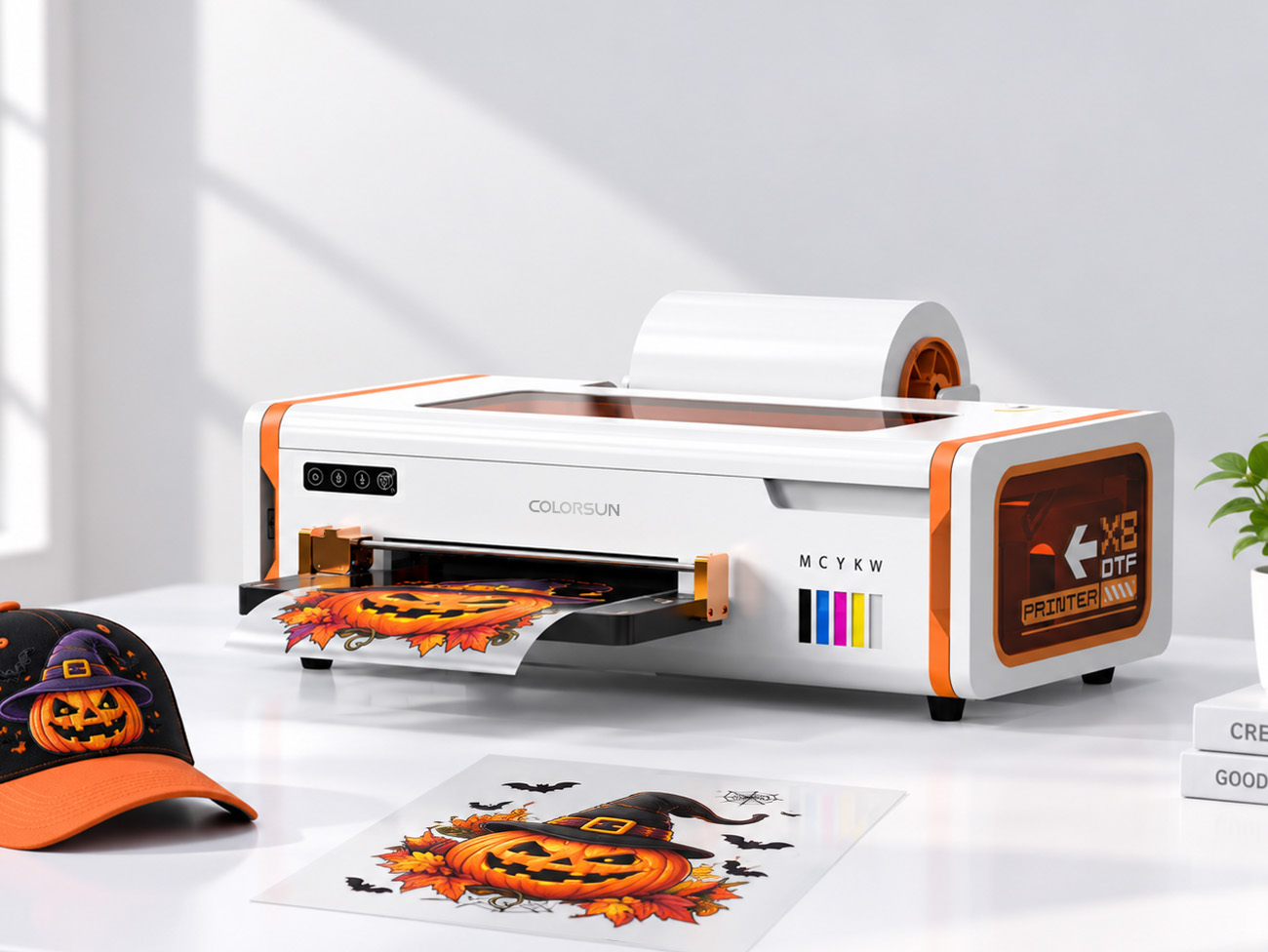
If you're waiting until October to think about Halloween orders, you're already behind. Halloween apparel demand starts building in early-to-mid September — costume shops, event planners, and party vendors place their bulk orders weeks before the actual holiday, not days before. By the time October rolls around, you should be fulfilling, not still designing.
Most Halloween DTF content out there is a scroll of pumpkin and ghost designs. That's fine, but it skips the thing that actually determines whether you make good margin on this season: how efficiently you print. And the answer, for anyone doing volume this time of year, comes down to one technique — gang sheets.
What a Gang Sheet Actually Is (and Why It Matters More in October Than Any Other Month)
A gang sheet is exactly what it sounds like: instead of printing one design per run, you arrange multiple designs — different sizes, different orders, different customers — onto a single sheet of film and print them all in one pass. Instead of loading film, printing, curing, and repeating for every individual 3-inch pumpkin design, you fill an entire sheet with a dozen of them, plus a few ghosts, a couple of "Boo" text designs, and whatever else is in your queue.
Why this matters specifically for Halloween: it's a season defined by small, varied designs and high order counts, not big single-piece runs. Nobody's ordering one giant Halloween graphic — they're ordering a costume shirt here, a trick-or-treat tote there, a teacher's "Spooky Season" tee somewhere else. Each individual print is small. The volume is what's large. That combination — many small designs, high total volume — is exactly the scenario gang sheets were built for.
The Math That Makes Gang Sheets Worth Setting Up
Every individual print run has overhead that has nothing to do with print size: film loading, machine warm-up, positioning, curing cycle setup. Run that overhead 40 times for 40 separate small designs, and you've spent a meaningful chunk of your day on setup instead of output.
Consolidate those same 40 designs onto 3-4 gang sheets, and you cut that overhead down to 3-4 cycles instead of 40. You're not printing faster in terms of raw speed — you're printing more per cycle, which is what actually moves your daily output number.
There's a film-cost angle too: laying out multiple designs efficiently on one sheet wastes far less film than printing each one with its own margins and edges. Over a season's worth of orders, that adds up.
How to Actually Build a Gang Sheet Workflow (Without It Becoming a New Headache)
1. Batch by size category, not by customer. Group similar-sized designs together — small (2-4"), medium (5-8"), and large (9"+) — rather than trying to keep each customer's order as one physical layout. You'll assemble the finished pieces by customer after cutting, not before printing.
2. Set a daily or twice-daily gang sheet cutoff. Instead of printing every order the moment it lands, batch orders that come in by a set time (say, 2pm) into that day's gang sheet run. This is the single biggest efficiency unlock — printing on a schedule instead of reactively.
3. Leave a small buffer zone on every sheet. Reserve space for a rush order or a mistake reprint. It's a small sacrifice in sheet efficiency that saves you from breaking your batch schedule for one urgent request.
4. Label as you go. With a dozen+ designs on one sheet, it's easy to lose track of which piece belongs to which order once they're cut apart. A simple system — numbered designs matched to a printed order sheet — saves real time at the cutting and sorting stage.
5. Know your printer's real film width limits before you plan layouts. A 21cm-wide printer and a 30cm+ wide printer fit meaningfully different numbers of small designs per row — plan your batching around what your actual equipment supports, not a generic template.
What This Actually Means for Your Halloween Production Calendar
If you're expecting Halloween volume this year, here's a realistic way to plan September and early October:
- Now through mid-September: Build your gang sheet template library — common sizes, common Halloween designs, ready to slot new orders into.
- Mid-September through mid-October: Run daily or twice-daily gang sheet batches as orders accumulate. This is your highest-volume, highest-efficiency window.
- Final week before Halloween: Expect a rush-order spike from last-minute buyers. This is where that buffer space on your sheets earns its keep.
Where Machine Capacity Comes Into This
Gang sheets solve the workflow-efficiency side of the equation, but they don't solve a printer that jams on long runs or a white ink system that clogs after a few hours of continuous printing — and a gang sheet session is, by definition, a longer continuous run than printing one design at a time. If your printer struggles with sustained runs, gang sheets can actually surface that weakness faster, not hide it. Reliable roll feeding and real automatic white ink circulation matter more once you start batching, not less.
Final Thoughts
Halloween is one of the best short windows of the year for DTF sellers — but the sellers who make the most of it aren't necessarily the ones with the best designs. They're the ones who stopped printing one-off and started printing in batches, weeks before the holiday actually arrives. Gang sheets aren't a nice-to-have production trick — for a season built on volume and variety, they're close to essential.
If your current setup can't hold up to hours of continuous gang sheet printing without jamming or clogging, that's worth solving before the season peaks, not during it.
[See Which ColorSun Printer Handles Continuous Batch Runs →]