
Colorsun DTF Printer


What Is a DTF Printer and How Does It Work?
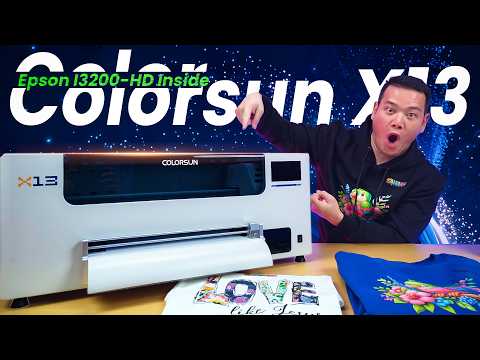
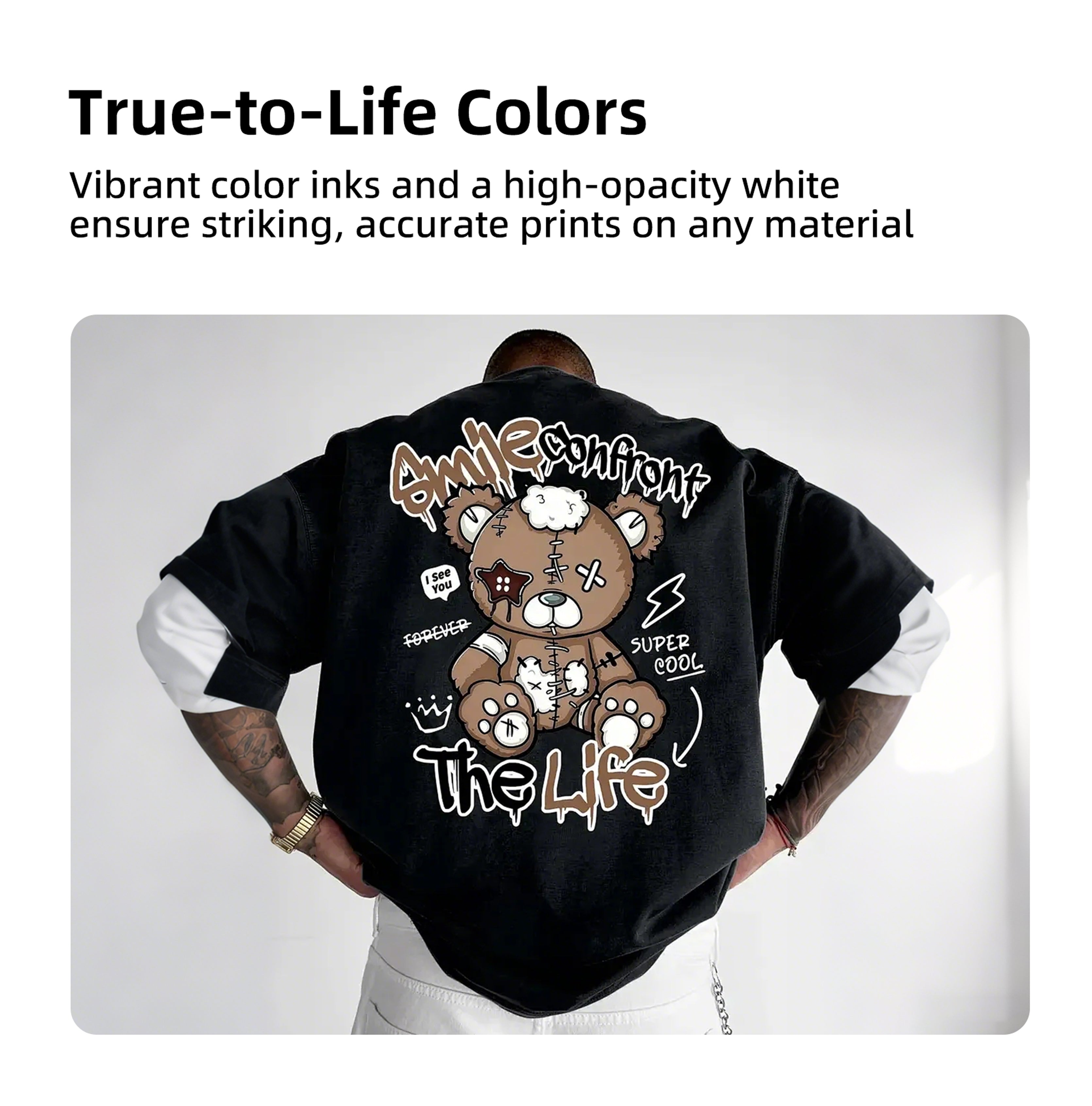
A DTF printer(Direct to film printer) is a digital printing device that works by first printing a design onto a special film, then bonding it with hot-melt adhesive, and finally transferring the pattern onto fabric through heat pressing. With its exceptional versatility, high-quality print results, and flexible production process, it is emerging as a mainstream technology in the field of personalized textile printing.

How To Choose a Reliable DTF printer?
When selecting a DTF printer, it is advisable to give priority to models equipped with industrial-grade nozzles and a white ink circulation system to ensure stability and durability. The key lies in calculating the actual long-term costs, with particular attention paid to the unit prices of consumables such as ink and adhesive powder. Be sure to request physical samples printed on the fabrics you plan to use (especially dark-colored ones) and personally inspect their color, hand feel, and wash fastness. Ultimately, reliable after-sales service and technical support are crucial for ensuring the printer's long-term, stable operation.

FAQs
Is DTF Printing Still a Good Business in 2026?
DTF Printing in the U.S. — 2026 Summary
- DTF printing remains profitable but requires efficient operations and strong sales—not a “print money” machine anymore.
- Typical 10"x10" transfer costs: $1.00–$2.50 (film, ink, powder, overhead).
- Pricing:
Transfers: $5–$8 each
Finished shirts: $15–$30+, with higher complexity. - Key challenges: controlling waste (5–10% print failures cut margins), maintenance, and consistency.
- Market changes: more competition, price sensitivity, and operational discipline matter most.
- Best business models:
B2B transfers for local decorators
Niche finished apparel (schools, sports, events)
Fast-turn small runs
Pricing by gang sheets to protect margin. - Bottom line: DTF is still profitable if treated as a tight, well-run production business focused on order flow, waste control, and differentiation.
What are the key factors influencing DTF print softness and texture?
Key Factors Affecting DTF Print Softness and Texture
1. Ink Quality and Control
- White Ink Thickness: The primary factor affecting stiffness. High-quality, well-dispersed white ink creates smoother, softer prints.
- Flexible Color Inks: Improve softness and reduce cracking.
- Ink Limitation and Printer Stability: Proper ink limits and stable printer settings prevent over-inking and resulting stiffness.
2. Adhesive Powder Selection and Application
- Powder Granularity: Fine TPU powder creates thinner, stretchier, and smoother transfers, ideal for soft apparel. Coarser powders provide firmer adhesion for heavy or textured fabrics.
- Powder Application Process: Precise powder amount and even application are crucial to avoid a rubbery feel or uneven texture.
3. Printing Parameters and Design Choices
- White Ink Density Control: Proper control avoids thick, stiff underbases.
- Printing Precision: Higher pass counts and resolution can improve print quality without increasing overall ink volume.
- Pattern Design: Designs utilizing gradients, thin lines, or negative space feel lighter than large solid fills.
4. Film Quality and Peel Method
- Film Coating Uniformity: A consistent coating ensures even ink and powder distribution, supporting softness.
- Peel Type: Cold-peel usually yields softer prints; hot-peel can increase overall thickness.
5. Curing and Heat Press Settings
- Curing Degree: Under-curing leads to a gritty texture and weak bonding; over-curing causes stiffness.
- Heat Press Parameter Balance: Temperature, pressure, and time must be precisely balanced to avoid rigid prints.
- Secondary Pressing: A finishing press (without the film) after the initial transfer often improves softness and smoothness.
6. Fabric Selection
- Cotton Fabrics: Offer the softest hand feel.
- Polyester Fabrics: May highlight the adhesive texture and require special handling.
- Heavyweight Fabrics: Have a firmer base hand feel and mask differences in print softness less noticeably.
How Do You Prevent DTF Printhead Clogs? 7 Essential Tips
1. Use Premium, DTF-Specific Ink (Especially White)
This is foundational. Quality ink offers better filtration, consistency, and pigment dispersion. If you face frequent white dropout, check ink quality and circulation before adjusting settings.
2. Maintain a Clean Printing Environment
Dust and lint are silent nozzle killers. Keep the print area covered, control film dust, and perform regular interior wipe-downs to prevent "random" missing nozzles.
3. Print Regularly to Keep Ink Flowing
Inactivity causes clogs. Run a small nozzle check or test print every few days, even during downtime, to keep ink moving and nozzles active.
4. Adhere to a Strict Maintenance Schedule
Avoid reactive cleaning. Perform daily nozzle checks and follow the manufacturer’s maintenance routine for cap tops, wipers, and dampers to ensure proper sealing and function.
5. Store Ink Correctly & Mind Expiry Dates
Keep unopened ink in a cool, dry place. Avoid temperature swings, and do not use ink that has been open for too long. Gently agitate white ink as recommended to maintain consistency.
6. Handle Fluid System Components with Care
Many "clogs" are actually caused by air in lines, damaged dampers, kinked tubes, or improper cartridge installation. Install components slowly and check for leaks/air to prevent recurring issues.
7. Opt for Advanced White Inks with Circulation
Consider using non-settling or high-flow white inks, especially when paired with circulation systems or agitation. This significantly reduces white nozzle dropout during production.
Learn more
How do you correct a crooked or misplaced DTF print?
- Strategy A: Removal for Cover-Up Prep (Most Realistic Use)Goal: Not a full reset, but to reduce the print's texture so a new design can be pressed on top more smoothly.Method: Reheat the print to soften it, gently lift/scrape off the bulk of the film, then apply a larger, opaque graphic to cover the area.
- Strategy B: Cover-Up (Most Professional & Successful)Oversized DTF "Block-Out": Print a new, slightly larger design with a heavy base to hide the old image.Patch-Based Upgrade: Cover the error with an embroidery patch, woven label, or leather patch. This often looks intentional and premium.Mixed Material Overlay: Use materials like puff HTV to mask minor texture, though it's not a guaranteed fix.
- Strategy C: Creative CamouflageIf the mistake is minor, or removal left a "ghost," you can incorporate it into a new design (e.g., distressed look, add graphics, turn it into a sample).
For the full details, including removal methods (heat, solvents, steam) and their specific risks, you can read the original article here:
How Do You Correct a Crooked or Misplaced DTF Print?
What Is the Best Tool for Apparel Design When Using a DTF Printer?
- Kittl: Positioned as the best overall tool for DTF users. It offers advanced typography, a large library of vintage/streetwear fonts, and easy export of print-ready files (SVG/PNG). It is ideal for POD sellers and apparel startups seeking fast, commercial-ready designs.
- Canva: A flexible and easy-to-use tool, great for beginners and for creating simple designs as well as marketing materials. However, it lacks advanced typography control for complex professional prints.
- Adobe Illustrator: The industry standard for professional vector design. It provides unmatched precision for complex graphics and color separations but has a steep learning curve and high cost.
- Inkscape: A free, open-source vector alternative. It offers good control for budget-conscious users but has a less user-friendly interface and fewer templates.
Learn more: You can read the full article for detailed comparisons here:What Is the Best Tool for Apparel Design When Using a DTF Printer?
2026 DTF Products Guide: Apparel, Hats & More
- Core Apparel (Start Here):T-shirts: The #1 DTF product. Best on 100% cotton or 50/50 blends. Ideal for center-chest graphics, left-chest logos, and team names.Hoodies & Sweatshirts: Offer higher order value. Requires pre-pressing to remove moisture and using pillows for seams.Tote Bags & Canvas: Great margins and demand for events/gifts. Watch out for seams and zippers causing uneven pressure.
- Headwear & Accessories:Hats: Unstructured "dad hats" are easiest. Structured trucker hats are trickier and need a cap press. Beanies work well for bold logos.Other Accessories: Aprons, backpacks (with flat panels), pet bandanas, and pillow covers can boost average order value.
- Specialty & Tricky Items:Performance Wear: Polyester works for gym/team wear but beware of heat sensitivity and dye migration.Jackets & Nylon: Proceed with extreme caution and testing, as heat tolerance and adhesion can be issues.
📈 2026 Design Trends & Quality Tips
The guide also covers what's selling and how to ensure customer satisfaction:
- Trends: Oversized prints, minimal chest logos with large back graphics, photo/illustration drops, and personalized bundles for teams or events.
- Quality Control: Set proper expectations with customers about care (wash cold, dry low) and test your best sellers through multiple wash cycles to ensure durability.
Learn more: You can read the full article with all details here:2026 DTF Products Guide (Apparel, Hats & More)
The Reality of DTF Printing at Home: Is It Right for Your Spare Room?
🏠 Key Considerations for a Home Setup
The guide outlines the major factors that will determine if home-based DTF is right for you:
- Space and Power Requirements: A functional setup needs room for the printer, a curing station, a heat press, and climate-controlled supply storage. Crucially, running a heat press and oven simultaneously often requires a dedicated high-voltage circuit to avoid tripping breakers in a typical home.
- Ventilation and Health Risks: This is the most critical issue. Melting TPU powder releases fumes and VOCs that are unsafe in a confined space. You cannot rely on an open window; a dedicated extraction system with HEPA and charcoal filters vented outside is essential.
- The "High-Maintenance Pet" Reality: A DTF printer demands constant attention. It requires daily nozzle checks to prevent white ink from clogging and a controlled humidity level (40-60%) in the room to stop ink from drying in the print heads.
💡 The "Buy vs. Build" Dilemma
For low-volume users, the article highlights a crucial economic choice:
- Ordering Transfers: Higher cost per transfer (approx. $3/ft + shipping), but zero equipment cost, maintenance, or fumes. You only need a heat press.
- Owning a Printer: High upfront investment (over $2,000) for lower cost per sheet ($0.60), but requires significant time, space, and maintenance commitment.
- The Verdict: For those printing fewer than 20 shirts a week, it is often cheaper and less stressful to outsource the printing.
Learn more: You can read the full article with all the detailed FAQs here:The Reality of DTF Printing at Home: Is It Right for Your Spare Room?
Colorsun X13 vs. a DIY-Converted Epson (ET‑8550): Smart Shortcut or Expensive Detour?
- Choose the DIY-Converted Epson ET‑8550 if you are experimenting, printing occasionally, enjoy hands-on troubleshooting, and can accept the risk of failure.
- Choose the Colorsun X13 if you want to build a serious DTF operation with minimal downtime, value consistency and scalability, and need a machine that supports you with automation and reliable white ink handling.
Learn more: You can read the full article with all the technical details here:Colorsun X13 vs. a DIY-Converted Epson (ET‑8550): Smart Shortcut or Expensive Detour?